

01 / 04
Skip animation
Cat ID is here.

Matching faceYour cat
recognised
recognised
NEW Camera-based cat recognition
Cat ID is here.
Flappie recognises your cat.
Loading animation …
Keep unfamiliar cats
outside.
With Cat ID, Flappie recognises your cats by their appearance and can keep unfamiliar cats outside. No collar or microchip needed.
Discover FlappieHow Cat ID recognises
your cats.
Switch between your cat and an unfamiliar cat.
Cat IDIllustrative example
In front of Flappie

Your cat
Cat IDRecognised
Your saved cats

Your cat
Your cat recognised.
Cat ID matches their appearance against the cats you have confirmed.
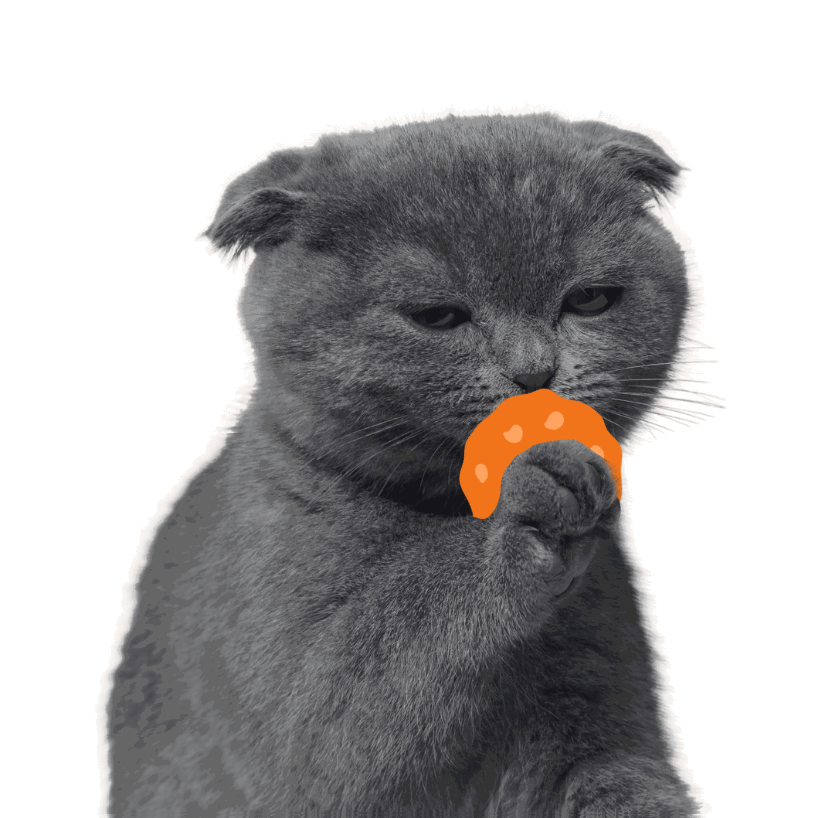
Cat ID & prey detection
Recognise your cats.
Keep prey outside.

1
Cat ID
Recognises your cats by their appearance. Flappie can keep unfamiliar cats outside.
2
Prey detection
Detects prey in your cat’s mouth. This lets Flappie prevent your cat from bringing prey inside.
Illustrative demonstration of the two features.
After installing your Flappie
How Flappie gets to know your cats.


Step 1
Your cats use Flappie
As your cats use the cat flap, Flappie automatically collects the footage Cat ID needs. The app lets you know when you can start setting it up.
You don’t need to take any photos yourself.
Step 2
You show Flappie which cats are yours
In the app, identify which of your cats appears in the recorded images.

Step 3
Flappie takes care of the rest.
Once you’ve identified your cats, Flappie prepares Cat ID for them. This takes a few hours.
You’ll get a notification in the app when Cat ID is ready.
Discover FlappieFor everyone with a Flappie.
You can activate Cat ID in the Flappie app. Recognition is still being developed and can make mistakes.
Questions about Cat ID
What is Cat ID?
Cat ID is Flappie’s cat recognition. It uses Flappie’s outside camera to recognise your cats by their appearance as they come in.
This lets Flappie allow your cats inside and keep unfamiliar cats out.
Where can I find Cat ID?
You’ll find Cat ID under Flappie Labs in the Flappie app. Select the feature there to start setting it up.
What do I need for Cat ID?
You need a Flappie and the Flappie app.
Does my cat need a microchip?
Cat ID does not read a microchip. Flappie recognises your cat by its appearance.
No microchip is needed for recognition with Cat ID.
Does my cat need a collar or a tag?
No. Cat ID recognises your cat by its appearance. Your cat needs neither a collar nor a tag.
Do I need to take photos of my cats with my phone?
No. Your Flappie automatically records suitable footage during normal use.
During setup, you identify which of your cats appears in the footage shown.
How do I set up Cat ID?
Open Cat ID in the Flappie app and identify which of your cats appears in the automatically recorded images. Cat ID then takes a few hours to prepare. The app lets you know when the feature is ready to use.
How long does preparation take?
After setup, Cat ID needs a few hours to prepare.
The Flappie app lets you know when the feature is ready.
Does Cat ID recognise my cats when they go out, too?
No. The camera is on the outside. Cat ID therefore only recognises cats when they want to come in from outside.
For going out, you continue to choose one setting for all cats: allow them all out, or keep them all in.
Does prey detection still work?
Yes. Cat ID and prey detection are two separate features.
Cat ID checks which cat wants to come in. Prey detection checks whether a cat is carrying prey in its mouth.
Can Cat ID make mistakes?
Yes. Cat ID continues to be tested and improved in everyday use. Different cats, lighting, weather conditions and movement can affect recognition.
Can I turn Cat ID off again?
Yes. You can choose whether to use Cat ID in the Flappie App.
Can I use Cat ID straight after installation?
Flappie first needs footage of your cats. It records this automatically as they use the cat flap. The app lets you know when you can set up Cat ID. After you’ve identified your cats, preparation takes a few more hours.
